
1. Introduction
Open banking is the secure sharing of financial data between financial institutions, such as ISX. Before open banking became available, consumer financial data was controlled solely by big banks. Now, consumers are able to access, and manage, their financial data across our platforms — resulting in a smoother, more personalised experience in the process. This benefits our customers, who end up paying lower costs whilst enjoying improved technology and customer service.
📖 This walkthrough describes PaidBy & the use of the Swedish Krona (SEK) through Zimpler.
[PaidBy & the use of the Euro (EUR) & the Pound Sterling (GBP) are described in Paidby: Accepting Payments.]
2. Procedure
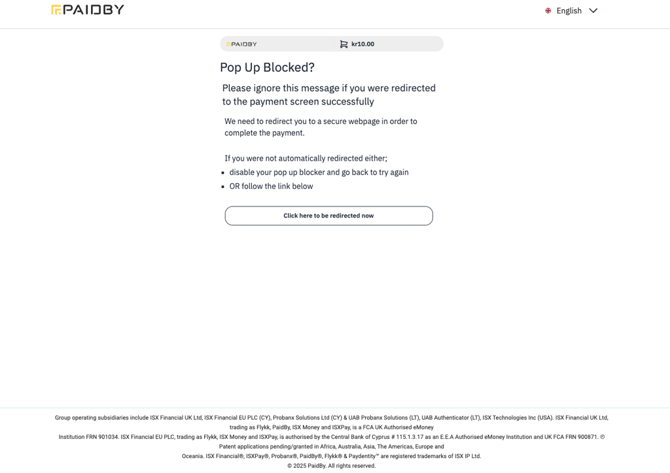
If pop up windows were blocked, click on the Click here to be redirected now button to proceed.
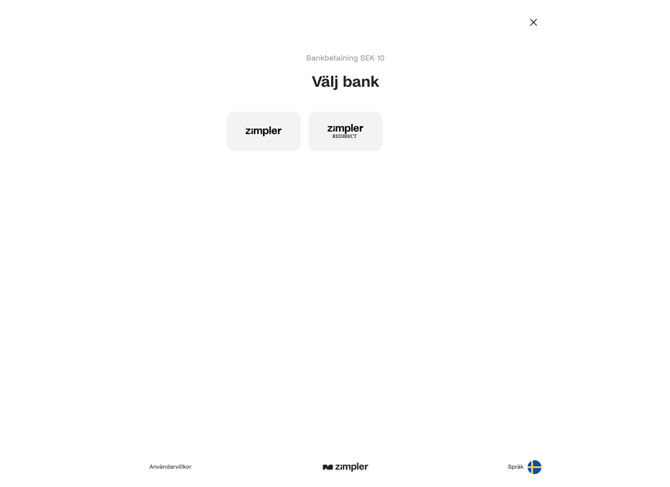
After performing a transaction, click on the zimpler button to proceed.
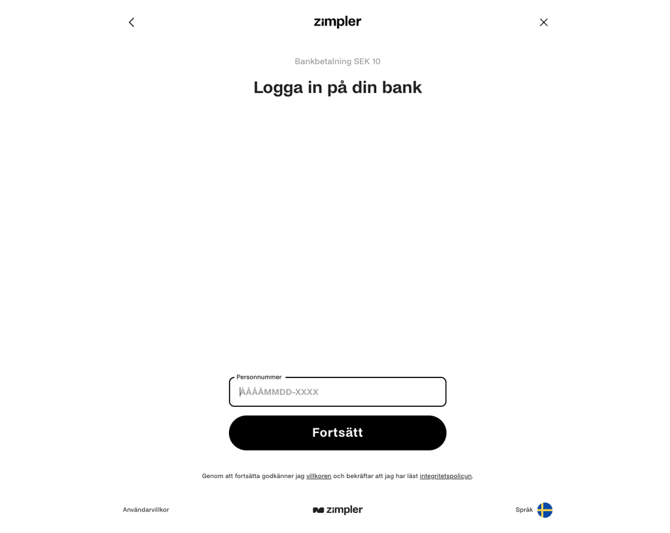
Log into your bank.
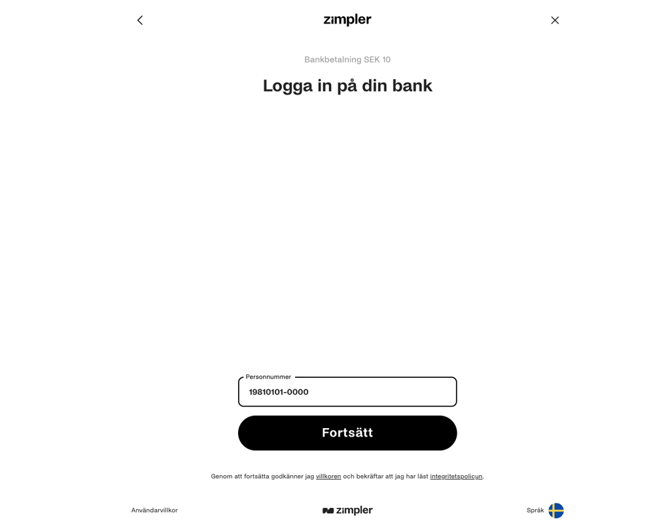
Enter your Personal Code (either 19810101-0000 or 19541219-2097) & click on the Continue button.
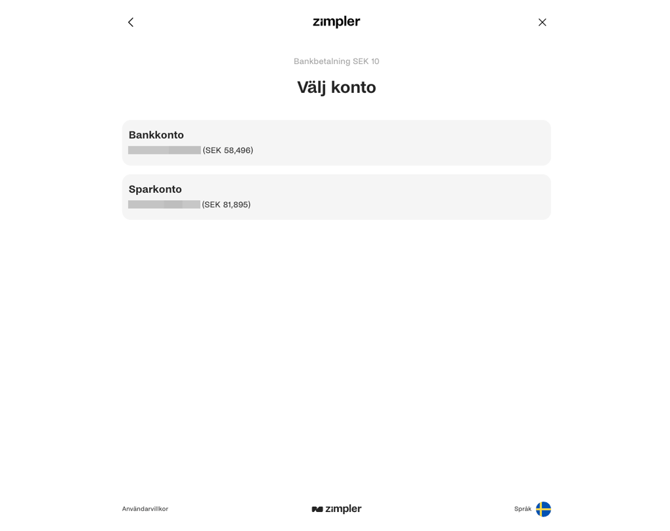
Select an account from which to make a payment.
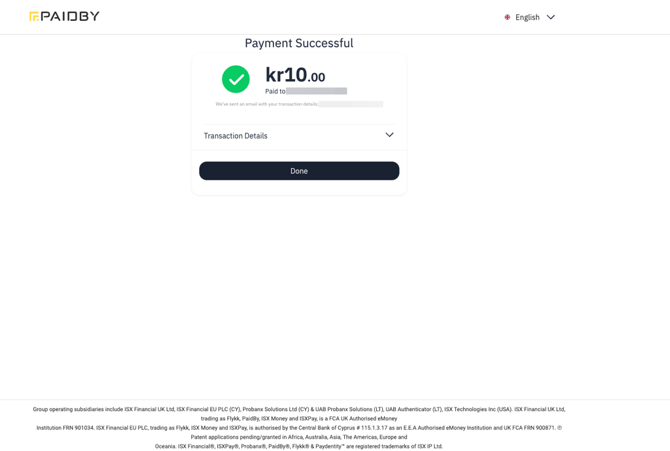
Wait for the system to process the transaction. If the payment was successful, the following screen should be visible.
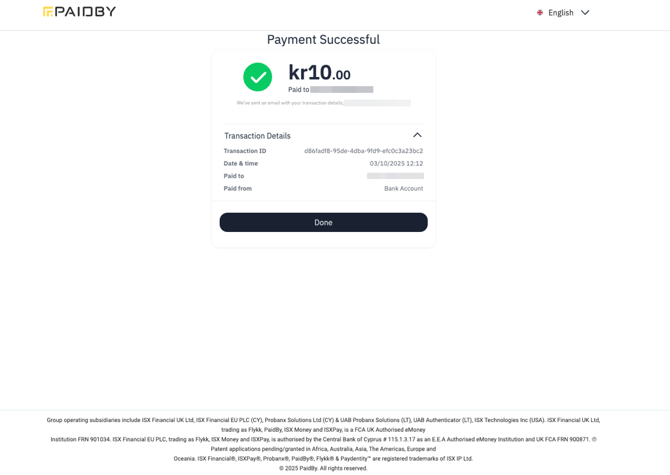
Click on the Transaction Details dropdown arrow to view more details.
Click on the Done button.
If any issues arise, contact the ISX relationship management team.