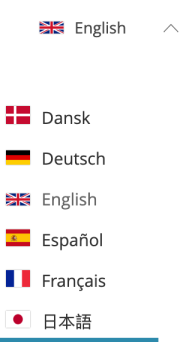
To change the language of the transaction screen, a transaction must first be initiated.
Then, some values in the URL must be replaced in order to redirect a user.
In the URL:
- Replace the word “landing” with “language-select”.
- After the “transactionID” add code of the language to be used.
📖 Example:
• Before: https://verify.isignthis.com/landing/transactionID
• After: https://verify.isignthis.com/language-select/transactionID/it
The above link will use Italian as the default language.
Replace the language code after the “/transactionID/” with the suffix of the required language, as per the following table:
|
Code |
Language |
|
da |
Danish |
|
de |
German |
|
en |
English |
|
es |
Spanish |
|
fr |
French |
|
jp |
Japanese |
|
no |
Norwegian |
|
se |
Swedish |
Alternatively, the language may be changed by using the drop-down widget at the top of the page: